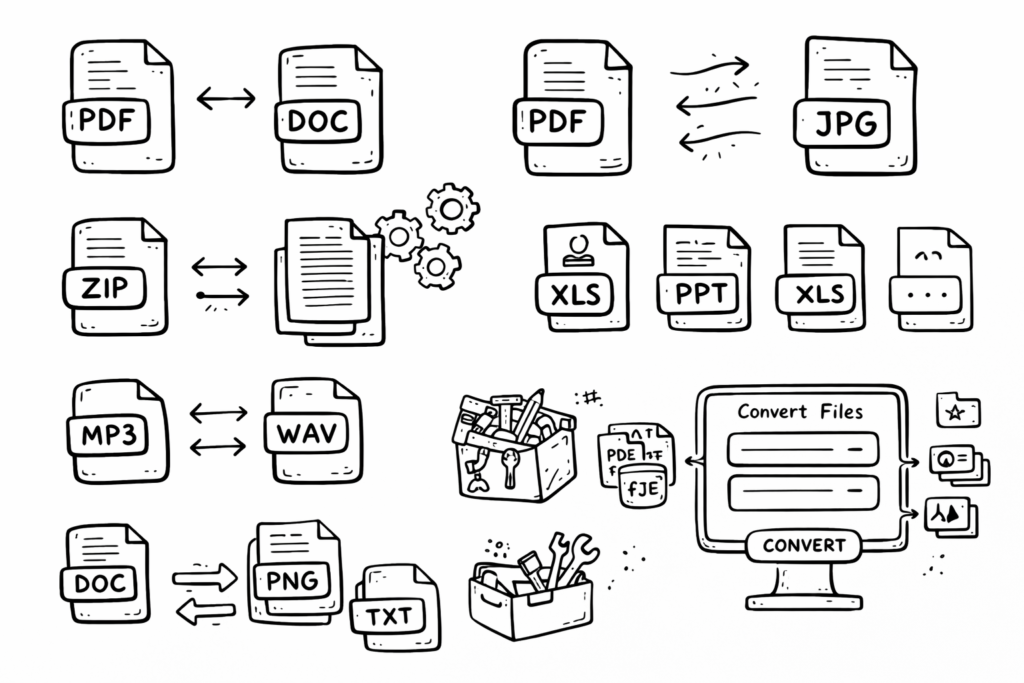
Every tool you need to work with PDFs combined
Every tool you need to use PDFs, at your fingertips.
All are Merge, split, compress, PDFs with just a few clicks.
File Type Converter – Effortless, Secure & Lightning-Fast Format Changes
Transform Your Files Instantly, Anywhere
Welcome to the ultimate online file type converter! Whether you’re a student, professional, creator, or everyday user, our tool empowers you to convert documents, images, audio, and video files in seconds. No software downloads, no technical skills required—just fast, reliable results for every file format you need.
Why File Conversion Matters in the Digital Age
- Universal Compatibility: Not all devices or software support every file type. Instantly convert files for seamless sharing and access, no matter where you are or what device you use.
- Preserve Quality & Reduce Size: Optimize images, compress videos, or extract audio—all while maintaining the highest possible quality.
- Professional Presentation: Convert resumes, reports, and portfolios to PDF for a polished, universally accepted finish.
- Edit Without Limits: Change file types to unlock advanced editing features or meet submission requirements.
How to Use the Immezza File Type Converter
- Click “Choose File” and upload any document, photo, song, or video. We support dozens of file types!
- Select your desired output format—PDF, JPG, MP3, MP4, DOCX, and many more.
- Hit “Convert”. In seconds, your new file is ready to download—no watermarks, no waiting.
- Enjoy instant, secure, and private conversions—your files are never stored or shared.
Supported formats include documents (DOC, DOCX, PDF, TXT, RTF), images (JPG, PNG, GIF, BMP, SVG, WEBP, TIFF), audio (MP3, WAV, OGG, AAC, FLAC), and video (MP4, AVI, MOV, WMV, WEBM, MKV).
Top File Conversions & Real-World Scenarios
- Word to PDF: Submit professional, uneditable documents for job applications or contracts.
- PNG to JPG: Compress high-resolution images for faster website loading without sacrificing clarity.
- MP4 to MP3: Extract the soundtrack from your favorite videos for podcasts or personal listening.
- PDF to Word: Edit scanned forms or reports with ease.
- JPG to PDF: Merge multiple images into a single, shareable document.
Who Uses File Type Converters?
- Students & Teachers: Convert assignments, lecture notes, and presentations for easy submission and grading.
- Business Professionals: Prepare polished reports, proposals, and marketing materials in universally accepted formats.
- Photographers & Designers: Batch convert and optimize images for web, print, or client delivery.
- Musicians & Podcasters: Change audio formats for editing, sharing, or streaming.
- Everyone: Open, view, and share files on any device—no compatibility headaches.
How Does File Conversion Work? (The Tech Behind the Magic)
Modern file converters use advanced algorithms to decode your original file, translate its data into a new structure, and repackage it in your chosen format. For example, converting a DOCX to PDF involves reading the document’s text, images, and layout, then recreating them in a standardized PDF structure—ensuring your content looks just right, every time.
Our converter is cloud-based, so you get the latest conversion technology and security—no installation, no risk of viruses, and blazing-fast results.
Fun Facts & Pro Tips
- The PDF format was created by Adobe in 1993 and is still the #1 choice for sharing documents worldwide.
- Converting images to WebP can reduce file size by up to 35% with no visible loss in quality—perfect for websites!
- MP3 files are “lossy,” meaning they sacrifice some data for smaller size, while WAV and FLAC keep every detail for audiophiles.
- Pro Tip: Always keep a backup of your original file, especially when converting important documents.
- Batch conversions save time—convert multiple files at once if your tool supports it!
Frequently Asked Questions
- Is my file safe?
- Yes! All conversions are encrypted, and files are automatically deleted after processing. Your privacy is our top priority.
- Are there file size or type limits?
- Most files up to 100MB are supported. For very large files or rare formats, check the tool’s dropdown or help section.
- Will conversion affect file quality?
- We use industry-leading algorithms to preserve quality. Some formats (like JPG or MP3) are compressed by design, but you’ll get the best possible results.
- Can I use this on mobile?
- Absolutely! Our converter works flawlessly on smartphones, tablets, and desktops.
Expert Tips for Flawless File Conversions
- Choose the output format that matches your needs—PDF for sharing, DOCX for editing, PNG for transparent images, etc.
- Check the converted file before sending or publishing it.
- For sensitive documents, use password protection after conversion (many PDF tools offer this).
Ready to Convert? Try It Now!
Explore More Powerful Tools
- Currency Converter – Real-Time Exchange Rates
- Advanced Metric Conversion – Science-Grade Accuracy
- Local Weather in Your City
Author: Bright Logicals
Contact Us | Privacy Policy